The 15-second take
Film yourself talking, once, on your phone, and record HeyGen's short consent clip. Twin Setup turns it into your AI twin in your HeyGen account.
Founders & creators · AI reels
A Claude Code kit that turns one short clip of you into an AI twin with HeyGen, then writes and edits your reels. You pick a topic and approve.
30-day money-back guarantee
Stop paying $100 per edit.
No editor. No CapCut.
Built onClaude CodeHeyGenHyperFrames
Ready forLinkedInInstagram ReelsTikTokYouTube Shorts
The old way
You film, then lose the night in CapCut cutting pauses and typing captions. Or you pay an editor and wait days for a 30-second clip. So you post twice, skip a week, and start over.
What a freelance editor charges for one short-form reel in 2026.
Roughly a month, if you post 4 reels a week and pay $100 each.
Of your own time per reel when you edit it yourself.
Editor rates: 2026 freelance pricing guides (Ad Snipper, Jobbers).
Meet Reelkit
Film yourself once. From then on, Claude Code writes and edits each reel with your AI twin. You step in to approve.
Once
15 seconds of phone video, filmed one time. HeyGen turns that clip into your AI twin.
Yours
Your face and your topics. It runs on your own Claude and HeyGen accounts.
Ready
Each reel comes back captioned, checked scene by scene, in the vertical 9:16 format all four apps use.
How it works
Film yourself talking, once, on your phone, and record HeyGen's short consent clip. Twin Setup turns it into your AI twin in your HeyGen account.
Type /reel and a topic. Script Desk writes it and waits for your OK. Render has your twin say it in HeyGen, and Cutroom adds motion graphics and captions on your computer.
Frame Check checks every scene and caption, fixes what's off, and renders the video. You watch it and approve it. That's a reel you didn't edit or pay an editor for.
What's inside
Titles, numbers, lists, steps, before/after, a typing prompt, a checklist and a comment-keyword ending. Each one lands on the word it belongs to, while your twin keeps talking below it.
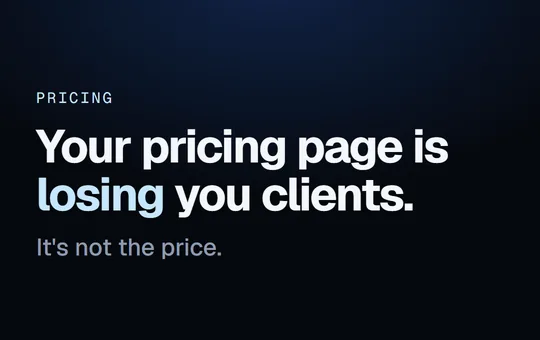
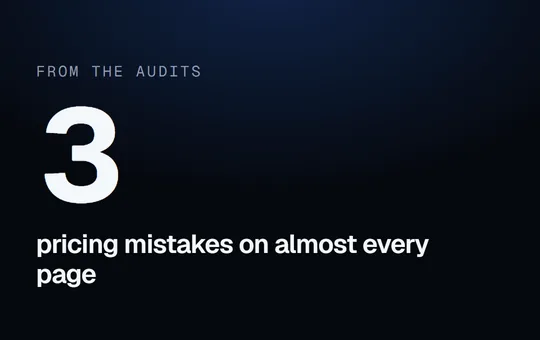
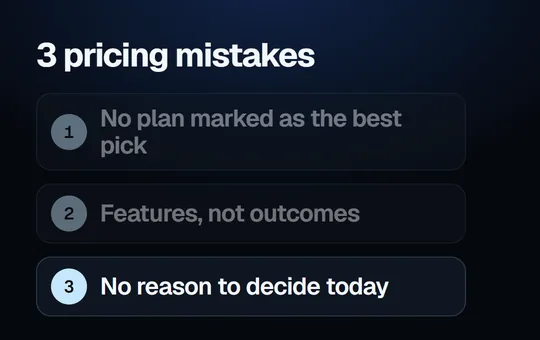
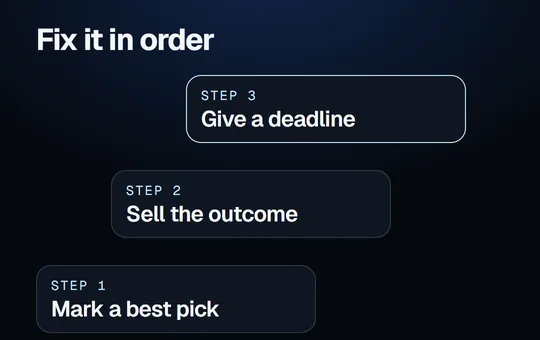
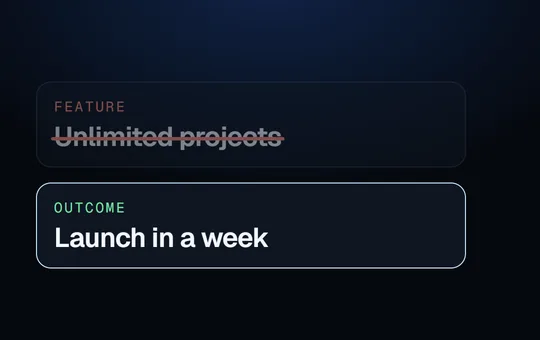
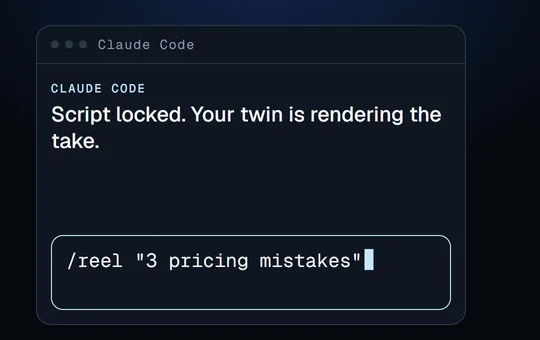
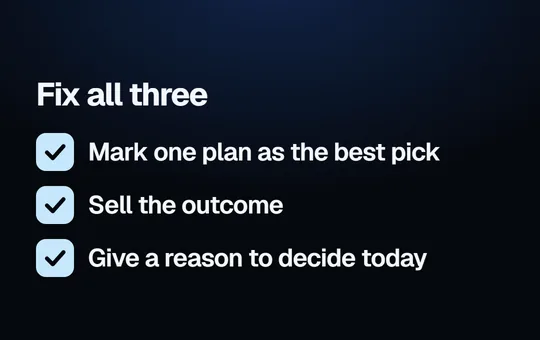
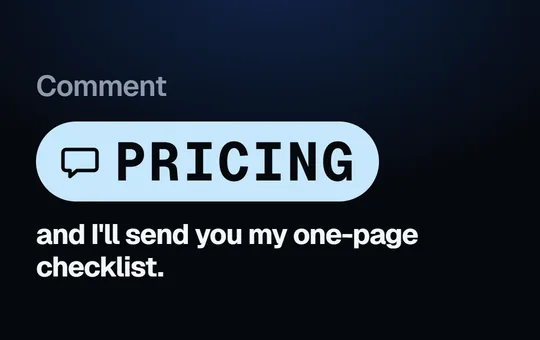
Real frames from the kit, dark look. Your words go in, the layout stays.
Twin Setup connects your own HeyGen account and builds your twin from one clip. After that, Render has HeyGen film your twin saying each new script.
Script Desk writes a hook, one point and one ask from a single topic line. Nothing renders until you approve it.
Frame Check looks at a snapshot of every scene and every caption, with the app's buttons marked in red. It catches cut-off text, captions over graphics and anything hiding under the like button, fixes it, and looks again.
Switch the whole style with one word, or have Claude build a look from your brand colors.
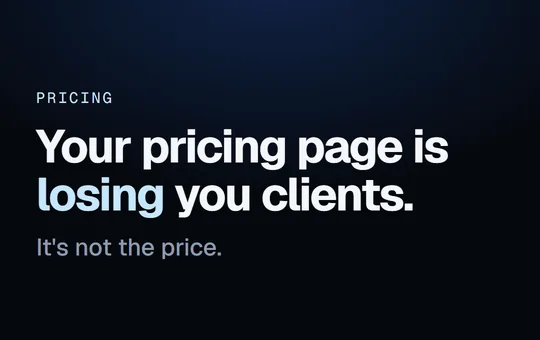
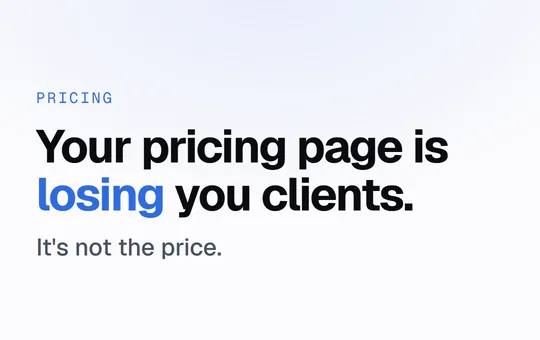
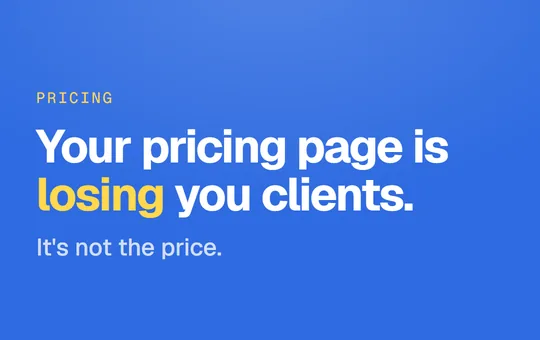
Post Pack writes the post for Instagram, TikTok, YouTube Shorts and LinkedIn, plus the words for your cover and an image prompt for it.
Step-by-step setup from unzip to first reel, a before-you-post checklist, and a finished example reel to learn from.
/reel + the 6 stage skillsNothing else to subscribe to. The graphics, captions and final video are made free on your own computer.
Use cases
Every question a client asks you is a reel. Give Claude the question as a topic, and your twin explains it on camera while you coach.
Turn your changelog into a 30-second weekly update. Paste the notes, approve the reel, get back to building.
One sharp point per reel, in your words, said by your twin. Clients see how you work, and you never open CapCut.
Sizing, shipping, care: the same few questions fill your inbox every week. Answer each one once, in a reel. Your twin explains it, and the kit adds the titles, lists and captions.
Who's behind it

I build small tools for my own business and content work. Reels were always the expensive part: hours in an editor, or around $100 a video to someone else, plus days of waiting.
Once AI twins and Claude Code could handle the whole job, I turned the process into a kit: film yourself once, and Claude makes every reel after that. It's faster and cheaper, and it's still your face and your topics.
Questions come straight to me at support@getreelkit.com.
Pricing
Launch price for the first 100 buyers, then $97
You download it once and keep it.
/reelYou'll also need Claude Pro or higher (from $20 a month) and a HeyGen plan (from $29 a month), billed by them, not us. HeyGen builds your twin and renders each take.
Get the kit for $47Secure checkout by Stripe
Make your first reels with the kit. If it doesn't save you time, email support@getreelkit.com within 30 days of buying and you get the full $47 back.
Stuck on setup? Write to the same address and we'll help you get it running.
FAQ
No. You follow the step-by-step setup guide once (install three free tools, connect HeyGen), then you type one command per reel. If you can copy and paste, you can run it.
HeyGen is the AI video company that makes your twin. Twin Setup connects your own HeyGen account, HeyGen builds the twin from your clip, and for every reel HeyGen films your twin saying the approved script.
HeyGen's paid plans start at $29 a month, and each take uses some of your plan's monthly credits. Reelkit adds no per-reel fee: the graphics, captions and final video are made on your own computer.
One clip. 15 seconds of you talking to your phone is enough for HeyGen; 30 to 60 seconds gives a more natural twin. HeyGen also asks you to record a short consent statement on camera, so nobody can make a twin of you except you.
That's all the filming. Every reel after that uses the same twin.
It's the method the kit runs, in six stages: Twin Setup builds your twin in HeyGen from your clip, Script Desk writes the script, Render has your twin say it, Cutroom adds motion graphics and captions, Frame Check checks it, and Post Pack writes the post text.
Claude stops twice for you: once to approve the script, once to approve the plan for the graphics. Nothing goes out until you've watched the reel and approved it.
Yes. Drop in a clip you filmed yourself and the kit edits it the same way: graphics, captions, checks and post text. That reel uses no HeyGen credits.
Vertical talking reels of about 30 seconds, with text motion graphics and captions: tips, explainers, client questions, weekly updates, announcements.
It isn't built for long YouTube videos, scenes with several people, or edits built around product shots or screen recordings.
Yes, $47 once, and there are no upsells. Two costs aren't ours: Claude Pro or higher (from $20 a month) and a HeyGen plan (from $29 a month), which pays for your twin's takes.
The $47 is a launch price for the first 100 buyers. After that, the kit costs $97.
Setup is one sitting: install three free tools, connect HeyGen and film your clip.
After that, a few minutes per reel: type the topic, approve the script, approve the plan, watch the result. HeyGen and your computer do the rendering while you do something else.
A Windows 10 or 11 PC with 8 GB of memory or more and Google Chrome. Reelkit is built and tested on Windows. On a Mac? Email support@getreelkit.com before you buy.
Email support@getreelkit.com and we'll help you get it working. If it still doesn't save you time, you get the full $47 back within 30 days of buying.
Your move
$47 for the first 100 buyers. Then it's $97.
Get the kit for $47One-time payment · Secure checkout by Stripe